Last year I was so busy preparing and shipping a few Nimitra units including some special custom order ones. This year I have a bit of time to develop and research on various things and today I realize it’s time to properly re-address about Nimitra’s core competencies in software.
Back then the idea of introducing software features in Nimitra as OS sounds technically incorrect since OS is Windows 10 and doesn’t sound sincere. That’s what I thought and introduced as Nimitra Edition Platform with a bit too short description since I was too focused on sound quality alone.
While I was working on Nimitra updates recently, I realized I didn’t mention many useful features I developed at all. And thinking again most Linux-based OS are actually distros packed with different kernel and software. Some are actually dressed popular distros or tweaked ones.
So, it would sound appropriate address these features in platform as OS for user to understand Nimitra better and I’ll name it NimitraOS. At least this should make more sense than Windows 10 Nimitra Edition Platform. I updated NimitraOS in Nimitra product page as below.
NimitraOS: Fidelized Windows 10 Platform for audiophiles
Windows 10 comes with many features unrelated to audio solutions. Some may tweak OS to disable unused features and services. NimitraOS optimizes at roots by removing all non-audio features from installation itself, with dedicated optimizations to maximize audio performance.

This reduces RAM usage to only 1GB in fully operational mode with special version of Fidelizer as CAS platform using specialized optimizations that can ready your system in about 30 seconds from power on. NimitraOS is the most solid Windows platform optimized for audiophiles.
NimitraOS also come with assistant software maintaining products and services used in Nimitra such as maintaining library database with storage changes on Asset/JRiver/MinimServer automatically. JPLAY services are handled with audio detection providing smoothest experience.
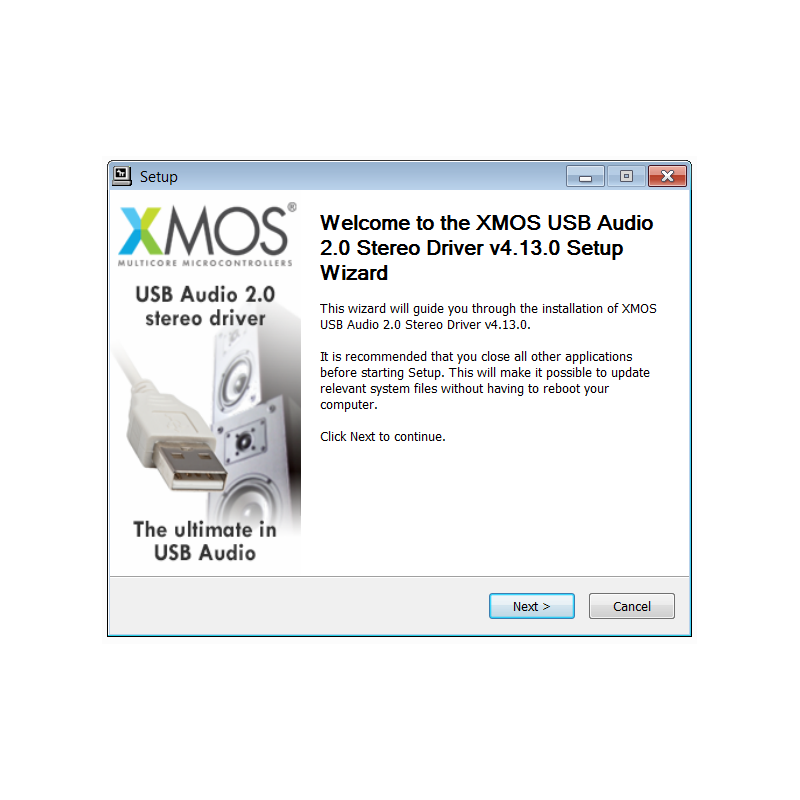
Audio drivers will no longer trouble NimitraOS with over 500 latest drivers integrated providing bit-perfect playback with manufacturer’s driver as true plug and play. There’s also Teamviewer support to assist with software and driver update remotely.
I hope this will help you understanding Nimitra Computer Audio Server better on software improvements side. It’s not just trimmed down OS with audio optimizations but also packed with a lot of quality of life features making complexed things done simpler. 🙂